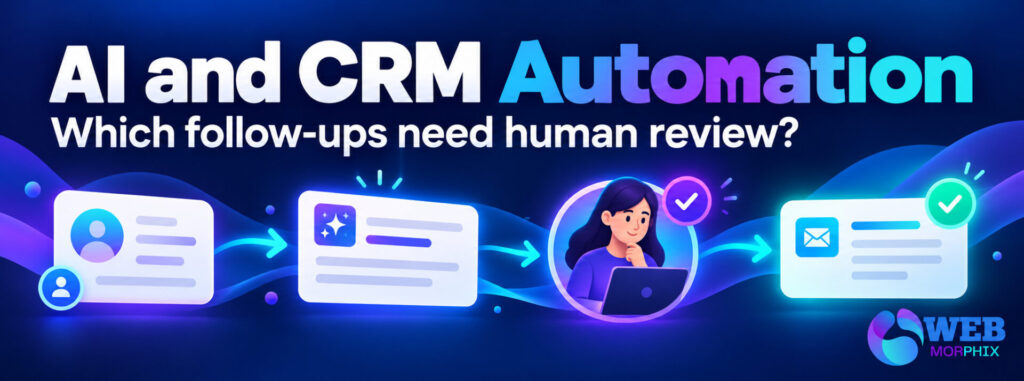
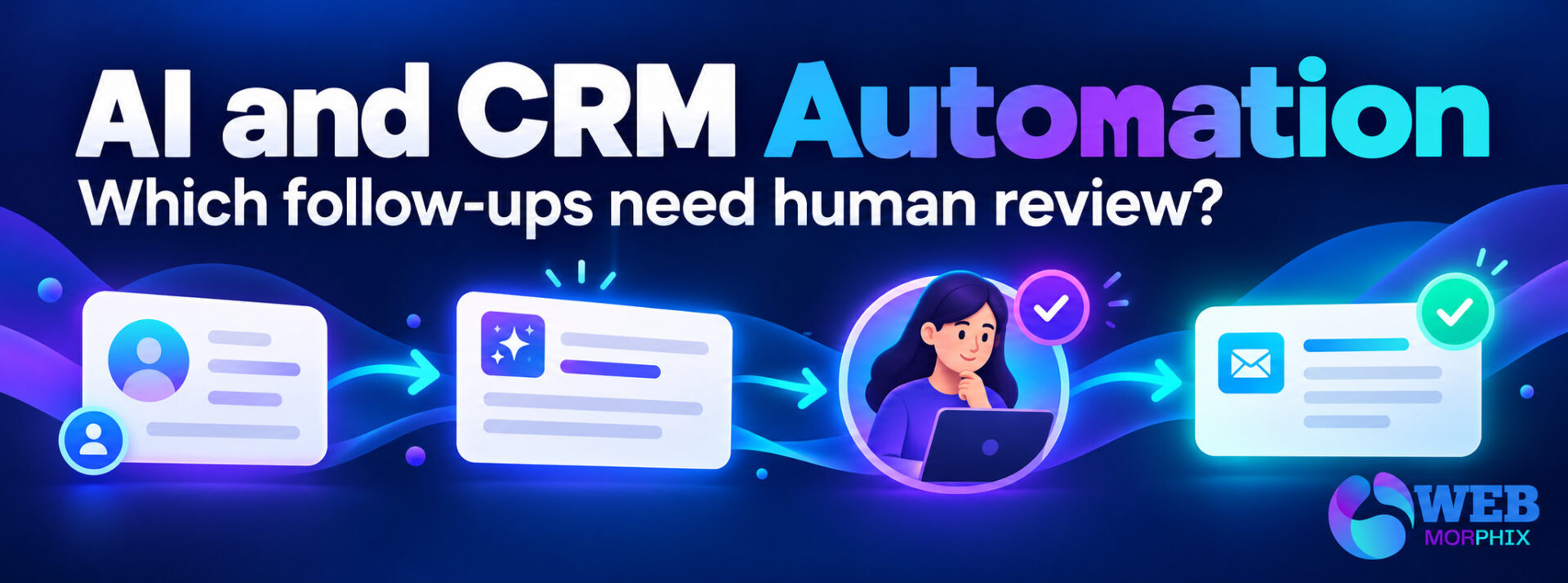
CRM workflow automation services should separate routine preparation from actions that need human judgment. For a startup, follow-ups involving uncertain records, pricing, complaints or new commitments should reach a named reviewer before anything is sent. AI can help summarize an inquiry or draft a reply; the workflow still needs clear rules about who approves the next step.
The goal is not to make the founder approve every notification. It is to agree which predictable actions can happen under an approved rule and which exceptions need attention. Before buying an automation project, ask the provider to show that distinction in the actual workflow.
What should CRM workflow automation services cover?
A useful scope identifies the event that starts the workflow, the records it uses, the proposed action and the conditions that stop it. Ask which contacts can enter, whether existing records are included and whether a contact can enter more than once.
HubSpot’s workflow creation guidance distinguishes enrolling existing eligible records from enrolling records that qualify later. That is a practical buying question even if you use another CRM: turning on a workflow should not unexpectedly process an old database.
Request a diagram or short written description that a business owner can review. It should make preparation, approval and execution visible instead of describing everything as “automated follow-up.”
Which startup follow-ups need human review?
Use the consequences of a wrong action to choose the review point. An internal reminder created from an agreed rule has a different effect from sending a customer a price or changing a deal stage based on an uncertain interpretation.
| Follow-up | Useful automation role | Reason to pause for review |
|---|---|---|
| New inquiry | Prepare a record and routing suggestion | Missing context or uncertain service fit |
| Proposal discussion | Draft a summary and reminder | Pricing, terms or delivery commitments |
| Complaint | Flag the message and notify the owner | Resolution requires business judgment |
| Record update | Suggest a field correction | Conflicting information or uncertain identity |
| Routine internal reminder | Create a task under an agreed rule | Missing owner, duplicate task or outdated status |
This table is a proposed decision framework, not a statement that every listed action must always require approval. Your agreement should reflect your actual authority boundaries, record quality and customer journey.
Give the reviewer enough context to decide
An approval request should include the source inquiry, relevant CRM record, proposed action and anything uncertain. A “yes or no” button is not enough if the reviewer cannot see what will happen next.
For example, a hypothetical lead follow-up automation could prepare a reply from approved service information. If the inquiry asks for an unusual deadline, the workflow should highlight it and route the draft to the person authorized to confirm availability. It should not infer an agreement from a confident-looking draft.
Microsoft’s Power Automate approvals guidance demonstrates that sign-off can be part of a workflow. Specific capabilities depend on the tools and plan involved. Ask a provider to confirm the proposed review route in your environment before treating it as included.
Keep startup CRM workflows grounded in reliable records
Check data before connecting it to outbound activity. Duplicate contacts, unclear owners and inconsistent lifecycle stages can turn a reasonable rule into repeated or misdirected work. Decide which field is authoritative and how missing information is handled.
Ask for a small sample review rather than assuming that a successful demonstration proves the full database is ready. Inspect normal records alongside duplicates, incomplete inquiries and contacts that should not receive the proposed action.
If the source records need attention, review what CRM cleanup services should include before extending automation. Cleanup and workflow implementation may be separate deliverables with different approvals.
Define approval, rejection and timeout behavior
Agree what happens when an approver accepts, rejects or does not respond. A workflow that waits indefinitely can hide important inquiries. A workflow that sends automatically after silence may exceed the authority you intended to delegate.
- Approved: execute only the action reviewed, against the intended record.
- Rejected: preserve the draft or decision reason and return it to the responsible person.
- No response: notify or escalate according to a written rule.
- Changed source: request a fresh check when information relevant to the decision has changed.
- Execution failure: show the failure and provide a manual route.
These are acceptance requirements to discuss with a provider, not claims that every CRM provides them by default. Ask which controls are native and which need additional configuration or tools.
Test the follow-up before broad deployment
Agree a pilot with representative cases and a clear boundary. Test using appropriate sample data before connecting a large list of live contacts. Include a repeat inquiry, an uncertain match, an approval rejection and a connected tool being unavailable.
For each case, record the expected result and the evidence that confirms it. Check that a duplicate trigger does not create duplicate follow-ups, that the intended person receives the review and that the executed action matches the approved version.
Assess correct completion, review effort, exceptions and operating cost. Avoid judging the project only by messages drafted or records processed. Those counts can rise while the team still spends time correcting mistakes.
What to ask an AI-assisted CRM support provider
- Which trigger and records start the workflow?
- Which actions happen automatically, and who authorized those rules?
- What does the reviewer see before approving an outward action?
- How are conflicting records and repeat requests handled?
- What happens after rejection, silence or a failed action?
- Who maintains the workflow when business rules change?
- What account access, subscriptions and ongoing support are included?
For the service context, Web Morphix’s CRM and automation support covers CRM organization and workflow support. Confirm the specific assessment, implementation and review responsibilities for your project rather than assuming every possible integration is included.
Frequently asked questions
Can AI send all startup follow-ups automatically?
Technical capability does not establish business authority. Define approved routine actions and route uncertain or consequential decisions to a responsible person before execution.
Does human review mean the founder handles every message?
No. An authorized team member can review within an agreed scope. Define which exceptions still require the founder and which decisions can be delegated.
Should CRM automation begin before data cleanup?
Inspect the records first. If the proposed workflow depends on unreliable fields or uncertain identity matches, address those issues before allowing it to act broadly.
How do we know whether a pilot is working?
Compare results with agreed test cases and your current process. Look at accuracy, exceptions, review effort and cost. A convincing demo alone is not evidence of improved sales.
Scope one follow-up workflow first
Bring a recurring follow-up, sample records and your approval boundaries when you request a scoped CRM support conversation. Ask for the trigger, review point, execution rule and handover to be documented. Starting with a checkable workflow gives your startup a clearer basis for deciding whether to expand.