
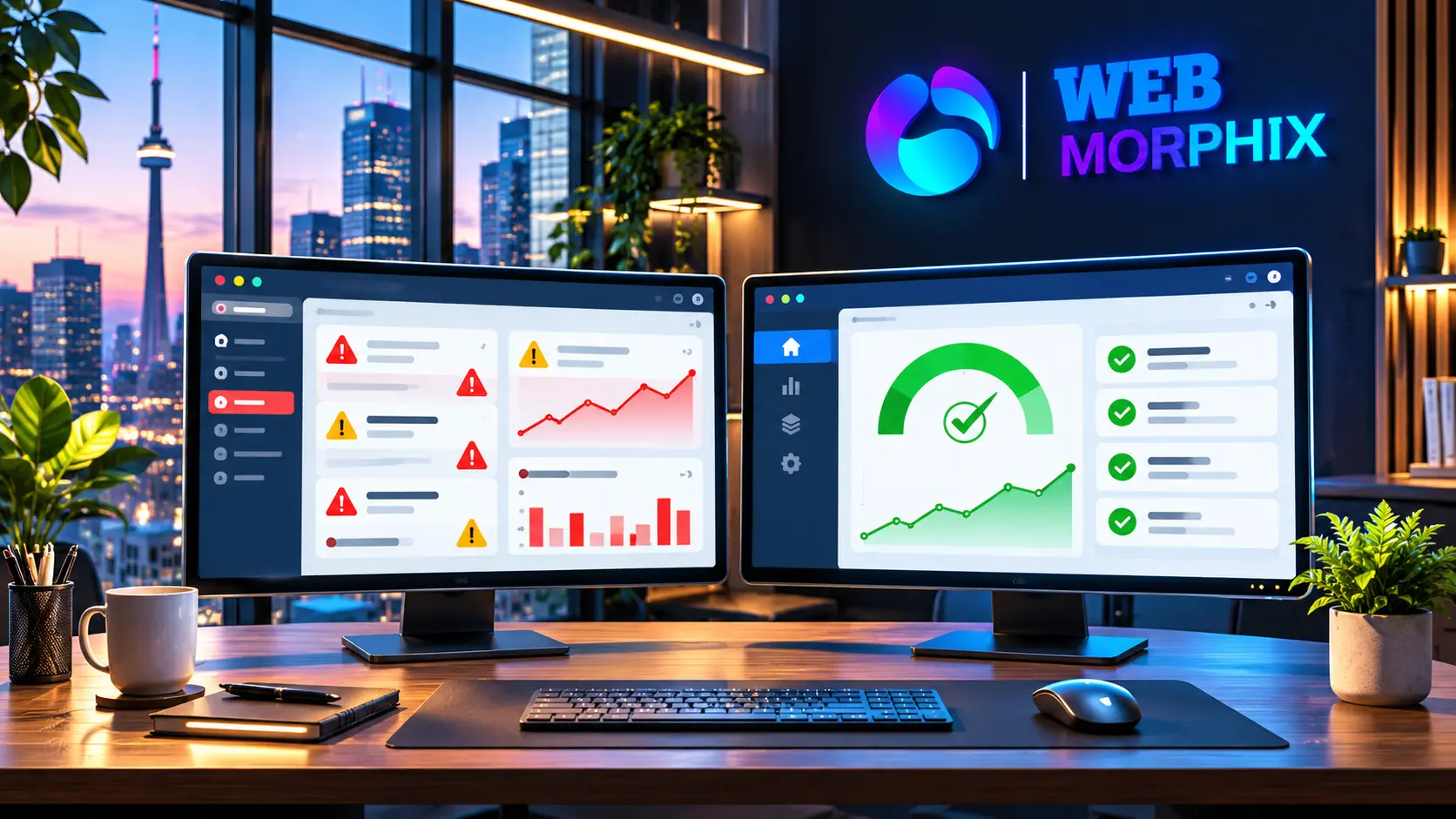
For growing businesses, agencies, and startups operating across the United States, the United Kingdom, and Canada, your website is much more than a digital brochure – it is a 24/7 revenue engine. Yet, far too many organizations treat website upkeep as an afterthought, relying on basic automated plugin updates until something breaks.
When evaluating how to protect your digital presence, understanding the difference between reactive WordPress maintenance and proactive managed support is vital. At Web Morphix, we help businesses transition from chaotic site firefighting to reliable, systemized infrastructure management.
The Hidden Costs of Reactive Maintenance
If your team only touches your WordPress backend when a plugin crashes or a security warning pops up, you are incurring hidden costs:
- Downtime in Peak Hours: In competitive North American and British markets, an unexpected white screen of death during a product launch or ad campaign instantly burns ad spend and frustrates buyers.
- Core Web Vitals Degradation: Unoptimized databases, bloated transients, and conflicting scripts gradually slow down page load times, directly harming your search engine rankings and conversion rates.
- Security Vulnerabilities: Outdated themes and unpatched plugins are primary targets for automated bot attacks, risking sensitive customer data and privacy compliance (such as GDPR or PIPEDA).
Maintenance vs. Managed Support: Key Differences
| Feature / Objective | Standard WordPress Maintenance | Proactive Managed Support |
| Core Focus | Fixing things after they break | Preventing issues and optimizing performance |
| Updates | Automated core and plugin updates | Staging-tested updates with manual rollback checks |
| Performance | Basic caching check | Continuous Core Web Vitals and asset monitoring |
| Strategic Input | None (purely reactive) | Ongoing digital operations, SEO publishing, and workflow alignment |
Three Ways Managed Support Transforms Operations
Moving to a managed support model shifts your website from a technical liability into a reliable growth asset:
Step 1: Staging-First Update Workflows
Never run updates directly on a live production site. Proactive support teams push updates to a staging environment first, test for theme breaks or JavaScript errors, and deploy safely to production. (Explore our comprehensive WordPress Website Management Services).
Step 2: Integrating Website Data with CRM Workflows
Your website should feed leads directly into your sales pipeline without friction. Ensuring your forms, webhooks, and tracking scripts remain synchronized is a key part of healthy digital operations (learn more about our insights on AI and CRM Automation Workflows).
Step 3: Protecting Brand Authority and SEO
In mature Western markets, search engines reward sites that maintain pristine technical health, secure SSL certificates, and lightning-fast mobile responsiveness. Consistent oversight keeps your domain authority secure.
Final Thoughts
Standard maintenance keeps your site breathing; managed support allows your business to scale. By investing in proactive oversight for your WordPress infrastructure, you eliminate technical bottlenecks and protect your brand reputation across the US, UK, and Canada.
Need dependable, white-label or direct support for your WordPress site, CRM, and digital operations? Get in touch with Web Morphix today.