
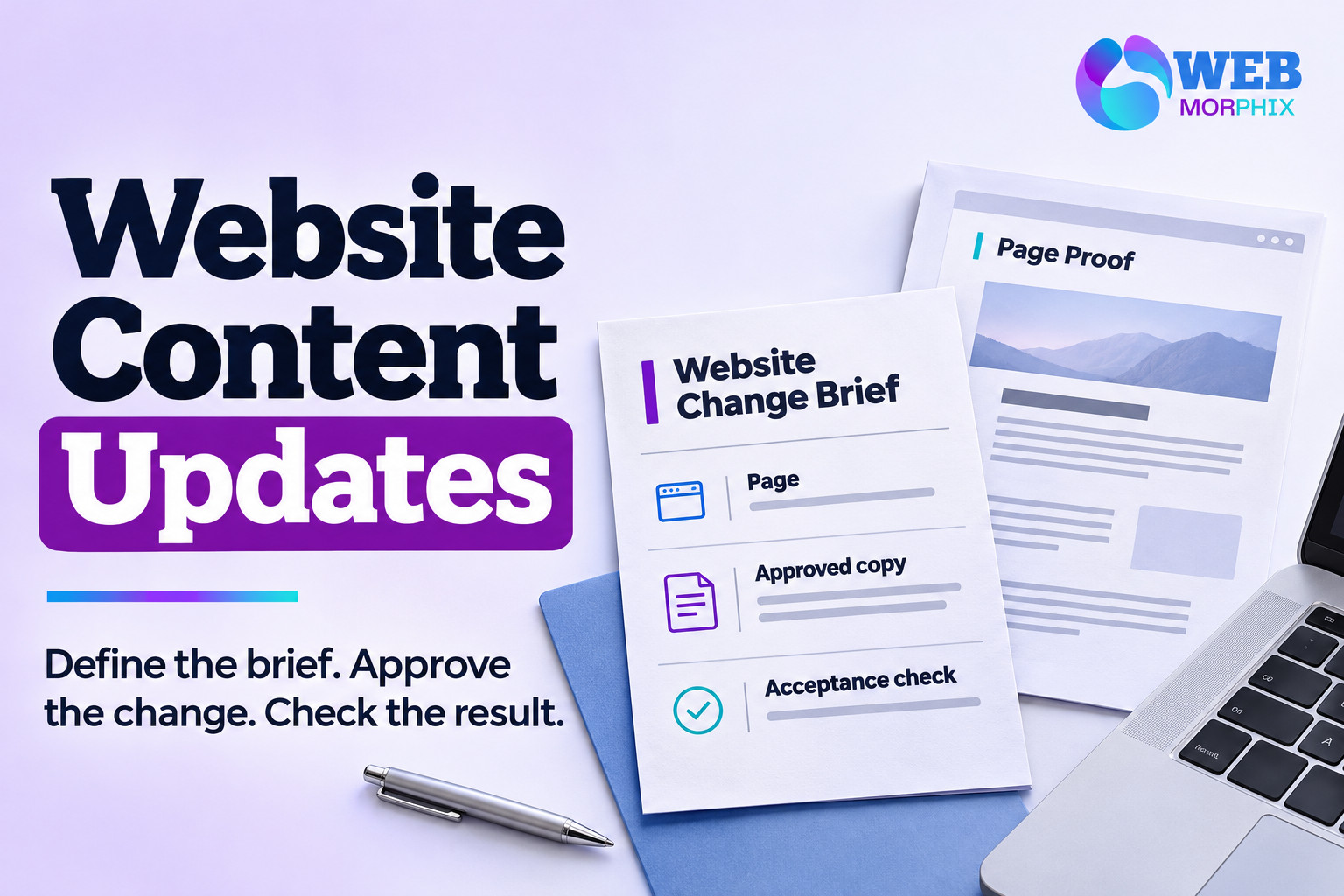
Website content update services help a business keep existing pages accurate without asking the founder to make every edit. The useful deliverable is a checked change on the right page, made from approved information, with a clear record of what changed. A vague request to “keep the site updated” leaves too much open.
For a lean startup, a service page might need a new scope, a team profile might be out of date, and a contact button might point to an old destination. These are different requests with different review needs. This guide helps you prepare a brief that a provider can estimate and your team can accept. It concerns routine content operations; a redesign or custom integration needs its own scope.
What should website content update services include?
Agree which existing pages and content types the provider will handle, what you will supply, who approves the work, and what counts as completion. Separate text replacement, image preparation, layout adjustments and functional changes. They can look similar in an email but involve different skills and checking.
| Request | Input to supply | Acceptance check |
|---|---|---|
| Update a service description | Page URL and approved replacement text | Correct section, no unsupported offer, readable on mobile |
| Replace a team photograph | Approved image and usage permission | Correct crop, name and descriptive alt text |
| Change a contact destination | Confirmed target and button label | Link opens the intended published destination |
| Add a new page section | Content, reference and layout requirements | Estimate approved before layout work begins |
Web Morphix’s WordPress and website management service covers content publishing and page adjustments alongside site care. Confirm your actual request against a written proposal; a broad service description does not establish your allowance, turnaround or approval rules.
Give each change one source of truth
A useful change brief names the exact URL, the section to edit, the current wording, the approved replacement and the reviewer. Add a target date and explain whether it is a preference or tied to a real event. Keep the final copy in one document rather than scattering corrections across messages.
Consider a hypothetical startup changing its onboarding service. Its founder sends a revised paragraph, a colleague asks for a different button, and an old document still describes an obsolete package. The provider cannot safely infer which version represents the business. One approved brief resolves the ambiguity before editing starts.
- Identify the person who can approve prices, service promises and factual claims.
- List affected pages, including related calls to action, rather than assuming one edit changes the whole site.
- Mark supplied copy as final or awaiting review.
- State whether the provider may improve wording or should apply it exactly.
- Describe a fallback if the change cannot be completed before the requested date.
AI may help compare versions or prepare a draft from your instructions. It should not invent a new offer, customer result or service capability to fill a gap. The business owner still needs to approve those facts.
Match access to the work and separate approval from permission
Ask what account and permissions the provider needs. WordPress’s roles documentation distinguishes content roles from administrative capabilities; Editors can manage and publish content, while Contributors cannot publish their own posts. Plugins and custom roles can change what an account can do.
That distinction matters commercially: a person who can publish technically still needs to follow your agreed approval process. Confirm the actual permissions on your installation and decide who makes the live change. Do not share an owner login simply because the request involves WordPress. If the work needs plugin configuration, obtain a separate technical scope and access decision.
Specify how the provider will check the result
Agree the review surface before work begins. A draft, preview or staging page can support review, depending on the site and the change. Do not assume a preview reproduces every live integration. The provider should explain what can be checked there and which checks happen after an authorized release.
For ordinary content changes, ask for a completion note with the affected URLs, a short change summary and outstanding limitations. Check the relevant desktop and mobile layouts, heading order, image crop, destination links and the accuracy of business details. If a form changes, define a permitted test and who will verify receipt. Avoid sending a real customer enquiry as a test without coordination.
Keep restoration expectations practical. Ask what previous version or backup is available, who can restore it, and what a restoration could affect. A content revision and a whole-site backup solve different problems. The provider should not promise a universal one-click recovery for every change.
Compare quotes using the same sample request
Send shortlisted providers one representative brief. Ask whether their estimate includes content preparation, image work, review rounds, mobile checking and the completion record. Define how requests enter the queue and how urgent work is handled. A response-time promise is different from a completion-time commitment.
If you mainly want direct help preparing and managing the content, compare the scope with Maaz’s WordPress content and website care support. If you need a wider managed arrangement, describe the pages and recurring request volume when you request a website support quote. Compare ownership and deliverables as well as the fee.
Frequently asked questions
Does content support include writing new copy?
Only if agreed. Replacing approved text, researching an article and writing a new sales page are different assignments. Specify the research and approval requirements before comparing quotes.
Can the provider publish changes without asking each time?
You can define a limited class of pre-approved routine changes, but record the boundaries. Prices, claims, offers and new functionality deserve an explicit review decision unless you have already authorized a precise procedure.
Should I buy a retainer or individual updates?
Use your real request pattern. Occasional isolated edits may suit individual work. A recurring queue may justify an ongoing arrangement if its capacity, reporting and exclusions match your needs. There is no universal break-even point.
What should I send for an initial quote?
Send the relevant URLs, two or three representative requests, your approval process, expected frequency and any genuine deadline. Avoid sending passwords or customer data during the initial estimate.