AI Workflow Automation for Small Businesses: A Practical Guide
Small businesses are adopting AI faster than ever.
But adding AI tools does not automatically make a business more efficient.
A business can have ChatGPT, a CRM, automation software, project management tools, and AI assistants—and still spend hours copying information, chasing follow-ups, updating spreadsheets, and moving tasks between systems.
The bigger opportunity is AI workflow automation for small businesses.
Instead of asking, “Which AI tool should we buy?”, businesses should ask:
Which parts of our workflow are repetitive, predictable, and ready for improvement?
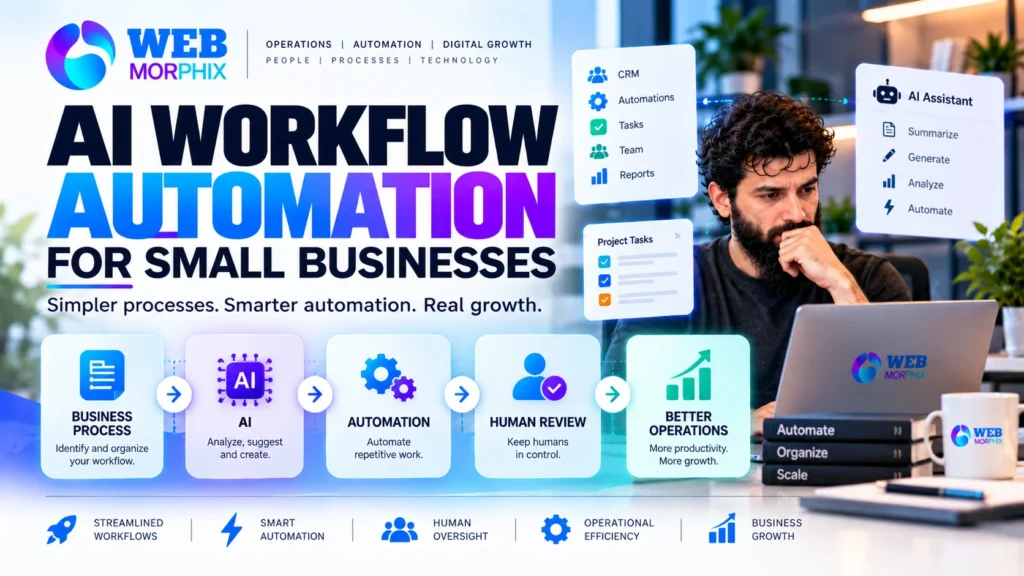
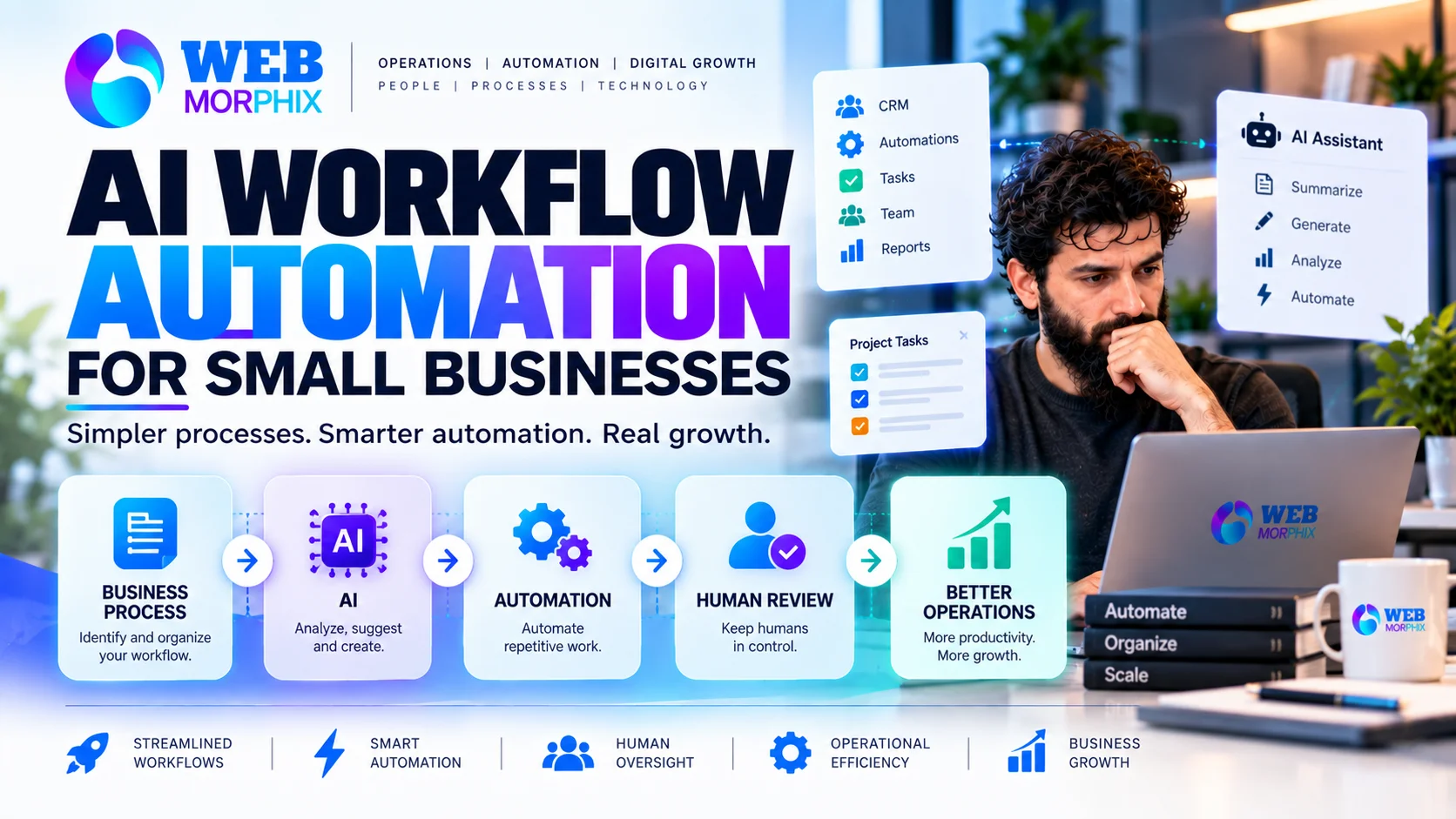
AI workflow automation connects business processes, software, automation, and human oversight so work can move forward with less manual effort.
This guide explains what AI workflow automation means, where it can help, what businesses should automate first, and how to introduce it without creating another layer of complexity.
What Is AI Workflow Automation?
AI workflow automation is the use of artificial intelligence, automation rules, and connected business systems to complete or support repetitive steps in a business process.
Traditional automation usually follows predefined rules.
For example:
New form submission → Add contact to CRM → Send notification → Create task
AI can add another layer.
It can interpret information, summarize a request, classify a lead, draft a response, extract information from a document, or recommend the next action.
A more advanced workflow might look like:
New inquiry → AI reads the request → Lead is categorized → CRM is updated → Follow-up is drafted → Task is assigned → Human reviews → Follow-up is sent
The important difference is that AI does not need to replace the entire workflow.
It can support specific steps where interpretation or repetitive information processing is useful.
Recent 2026 business coverage shows the shift from basic AI assistance toward AI systems and agents that can participate in multi-step workflows. Reuters
Why AI Workflow Automation Matters for Small Businesses
Small businesses often have limited people, time, and operational capacity.
The owner may be responsible for sales, customer communication, administration, marketing, project management, and decision-making at the same time.
That makes repetitive work expensive.
Consider a simple lead process.
A potential customer submits a form.
Someone needs to:
- Read the inquiry
- Identify what the person needs
- Enter the information into the CRM
- Assign the lead
- Send an acknowledgment
- Create a follow-up task
- Update the status
- Follow up later
None of these tasks is particularly complicated.
But repeated across dozens or hundreds of inquiries, they consume significant time.
AI and automation can handle parts of that workflow while people remain responsible for decisions that require context.
That is where automation becomes useful.
7 Business Workflows You Can Improve With AI
Not every business process needs AI.
The best opportunities usually involve repetitive work, digital information, predictable steps, and clear outcomes.
1. Lead Intake and Qualification
New leads often arrive through websites, forms, social media, email, or advertising campaigns.
Instead of manually reviewing every inquiry, an AI-assisted workflow can:
- Extract information from the inquiry
- Identify the service requested
- Categorize the lead
- Add information to the CRM
- Assign the appropriate pipeline stage
- Create a follow-up task
- Draft an initial response
A person can then review the information before the next important action.
Lead routing and qualification are already being identified as practical starting points for small-business AI workflows. Taleef Technologies
Example
Website inquiry → AI classification → CRM update → Task creation → Human review → Follow-up
This reduces repetitive data handling without removing human involvement.
2. Email and Inbox Triage
Business owners can spend large portions of their day processing email.
AI can help identify:
- Urgent messages
- Sales inquiries
- Existing customer requests
- Internal tasks
- Routine questions
- Messages requiring follow-up
It can also summarize long conversations or prepare draft responses.
The goal is not necessarily to let AI answer every email.
A safer approach is often:
AI organizes → AI summarizes → Human reviews → Human sends
This keeps the business responsive while preserving judgment and tone.
3. CRM Updates
CRM data becomes less useful when people have to update everything manually.
AI-assisted workflows can help extract information from emails, forms, notes, or conversations and prepare CRM updates.
For example:
Customer email → AI extracts request → CRM note prepared → Task created → Team member reviews
This can reduce duplicate data entry and improve visibility.
Web Morphix already supports CRM cleanup, lead management, workflow support, and automation, making this a natural part of our broader operations approach. Web Morphix
4. Project and Task Management
AI can also support project operations.
For example, after a meeting or client update, AI can help:
- Summarize the discussion
- Identify action items
- Suggest task descriptions
- Identify deadlines
- Prepare status updates
- Flag missing information
The project management system remains the source of truth.
AI simply reduces the manual work required to keep it updated.
This fits especially well with structured tools such as Asana, ClickUp, Trello, and Jira, which Web Morphix already supports. Web Morphix
5. Customer Support Preparation
AI can help support teams process repetitive customer questions.
For example:
Customer message → AI identifies topic → Relevant information retrieved → Draft response prepared → Human review → Response sent
This can make support teams faster without turning customer communication into fully automated conversations.
Human review becomes especially important when the request involves sensitive information, unusual circumstances, refunds, contractual decisions, or other situations requiring judgment.
6. Reporting and Business Updates
Businesses often spend time collecting information from different systems just to understand what happened during the week.
AI can help summarize:
- Completed tasks
- Open projects
- New leads
- Customer inquiries
- Sales activity
- Website activity
- Operational issues
A workflow can prepare a structured report for a manager or business owner.
Instead of spending an hour collecting information, the person can spend that time reviewing and deciding.
7. Content Operations
AI can also support repetitive content processes.
For example:
Topic → Research → Draft → Human editing → SEO review → WordPress formatting → Publishing
AI can assist with research, outlines, drafts, summaries, metadata, and content variations.
But human review remains important.
AI-generated content should still be checked for accuracy, originality, brand alignment, and usefulness.
Google’s current guidance emphasizes helpful, reliable, people-first content rather than content created primarily to manipulate rankings. Google for Developers
What Should You Automate First?
This is where many businesses make a mistake.
They see an impressive AI demonstration and immediately try to automate a complicated business process.
A better approach is to start small.
Look for workflows that are:
Repetitive
The same type of task happens frequently.
Digital
The information already exists in software, forms, email, documents, or databases.
Predictable
There is a reasonably clear process.
Low-risk
An error will not create serious consequences.
Easy to review
A person can quickly check the result.
For example, summarizing an email thread is generally easier to automate safely than approving a major financial transaction.
Current guidance around small-business AI agents similarly emphasizes starting with narrow workflows, clear permissions, and human review rather than immediately creating fully autonomous systems. Taleef Technologies
What Should You NOT Automate First?
AI automation should not mean “automate everything.”
Some processes need more human involvement.
Be cautious with workflows involving:
- Financial commitments
- Legal decisions
- Hiring decisions
- Sensitive customer information
- High-value sales decisions
- Irreversible actions
- Complex customer complaints
- Strategic business decisions
A useful principle is:
Automate the repetitive work. Keep humans responsible for important decisions.
This human-in-the-loop approach is becoming increasingly important as AI systems move from generating information toward taking actions inside business systems. Recent reporting on AI agents highlights the importance of permissions, business context, and controlled autonomy. TechRadar
AI Automation vs Traditional Automation
These terms are related, but they are not identical.
Traditional automation
Usually follows fixed rules.
Example:
Form submitted → Create CRM contact → Send email
AI-assisted automation
Adds interpretation.
Example:
Form submitted → AI understands inquiry → Categorizes lead → CRM updated → Appropriate workflow triggered
AI agent workflow
Can involve more flexible multi-step decision-making within defined permissions.
Example:
New lead → Analyze request → Check available information → Update CRM → Prepare follow-up → Create task → Request human approval
The more autonomy a system receives, the more important permissions, monitoring, data quality, and human oversight become.
How to Start AI Workflow Automation in Your Business
You do not need to rebuild your entire business.
Start with one workflow.
Step 1: Map the current process
Write down every step.
Don’t start with the AI tool.
Start with the work.
Step 2: Identify repetitive steps
Look for tasks that happen repeatedly and consume time.
Step 3: Find unnecessary steps
Sometimes the best automation is deleting a step rather than automating it.
Step 4: Decide where AI adds value
Use AI where interpretation, classification, summarization, drafting, or information processing is useful.
Step 5: Connect your systems
Determine where the information should go next.
This might involve your CRM, project management platform, email, forms, spreadsheets, or other business software.
Step 6: Add human review
Define where a person should approve, edit, or make the final decision.
Step 7: Measure the workflow
Track practical outcomes such as:
- Time saved
- Errors reduced
- Faster response times
- Fewer missed follow-ups
- Better data consistency
- Reduced manual entry
The goal is not to have an impressive automation diagram.
The goal is to improve the business.
A Simple AI Workflow Example
Imagine a small service business receiving leads through its website.
The old process might be:
Website form → Owner checks email → Copies information → Opens CRM → Creates contact → Sends response → Remembers to follow up
An improved workflow could be:
Website form → AI reads inquiry → CRM updated → Lead categorized → Follow-up task created → Response drafted → Human reviews → Follow-up sent
The technology is not the most important part.
The workflow design is.
If the underlying process is unclear, adding AI may simply make the confusion move faster.
Common AI Workflow Automation Mistakes
1. Starting With the Tool
Businesses often ask:
“Which AI tool should we use?”
The better question is:
“Which business problem are we trying to solve?”
2. Automating a Broken Process
If a process has unnecessary steps, unclear ownership, or poor data, automate it and you may simply create a faster version of the same problem.
3. Automating Everything
Not every task benefits from AI.
Some tasks are already simple.
Others require human judgment.
4. Ignoring Data Quality
AI workflows depend on the information they receive.
Bad data can produce bad outputs.
5. Removing Human Oversight
AI can help people work faster, but important business decisions still need appropriate accountability.
6. Adding Too Many Tools
A business does not need a separate AI application for every task.
Whenever possible, improve the systems and subscriptions you already have before adding another layer.
The Future of Small-Business AI Is Connected Workflows
The AI market is moving beyond standalone chatbots and content-generation tools.
AI agents are increasingly being connected to business applications and workflows.
Recent developments from major technology companies show this shift toward AI systems that can interact with business tools and complete multi-step work. Reuters
But this does not mean businesses should hand everything to autonomous AI.
The more useful question is:
Where can AI make the existing business process better?
That might mean an AI assistant.
It might mean a simple automation.
It might mean CRM intelligence.
It might mean an AI agent.
Or it might mean fixing the workflow before adding any AI at all.
At Web Morphix, our approach is simple:
Process first.
AI second.
Human oversight where it matters.
How Web Morphix Can Help
AI workflow automation works best when it is connected to the way a business already operates.
Web Morphix helps businesses review and improve the systems behind their daily work, including operations, CRM workflows, project management, websites, lead processes, and recurring administrative tasks.
Our approach starts by understanding the existing workflow.
Then we identify bottlenecks, repetitive work, unclear handoffs, and opportunities for better automation.
From there, we help organize the workflow and implement practical support around the tools the business already uses.
Our existing project-management approach follows the same principle: review the current workflow, structure the system around how the team actually works, manage execution, and continue improving it. Web Morphix
Need help identifying where AI can improve your business workflow?
Explore Web Morphix services or request a quote.
Frequently Asked Questions
What is AI workflow automation for small businesses?
AI workflow automation combines AI, business software, and automation to reduce repetitive work and move information between steps with less manual effort.
What should a small business automate first?
Start with repetitive, digital, predictable, low-risk workflows that are easy for a person to review.
Is AI workflow automation the same as traditional automation?
No. Traditional automation generally follows predefined rules, while AI can interpret information, classify content, summarize information, or support decisions within a workflow.
Can AI completely automate a business?
AI can automate or support many processes, but businesses should not assume every task should be fully automated. Important decisions often require human oversight.
Are AI agents useful for small businesses?
They can be useful for defined, repeatable workflows where the inputs are clear, permissions are controlled, and human review is available when needed. Current 2026 guidance increasingly recommends narrow, measurable pilots rather than unrestricted autonomy. Taleef Technologies
Does AI automation require replacing existing software?
Not necessarily. In many cases, businesses can improve existing workflows by connecting the tools they already use rather than replacing their entire technology stack.